Usage & Installation
Follow these instructions to run ReviewAid online or locally.
⚡ Usage (Online)
-
Launch Online Streamlit hosted web app
Access the application directly from your browser without installation. -
Select Mode:
- Full-text Paper Screener: Choose this mode to screen papers based on PICO (Population, Intervention, Comparison, Outcome) criteria.
- Full-text Data Extractor: Choose this mode to extract specific fields (Author, Year, Conclusion, etc.) from research papers.
-
Workflow (Screener):
- Enter your PICO criteria (Inclusion/Exclusion) in the input fields.
- Upload your PDF papers (Batch upload supported).
- Click "Screen Papers".
- Monitor the "System Terminal" for real-time logs of extraction, API calls, and processing status.
- View the "Screening Dashboard" for a pie chart of Included/Excluded/Maybe decisions.
- Download results as CSV, XLSX, or DOCX.
-
Workflow (Extractor):
- Enter the fields you want to extract (comma-separated).
- Upload your PDF papers.
- Click "Process Papers".
- Monitor the "System Terminal" for logs.
- View extracted data in the dashboard.
- Download extracted data as CSV, XLSX, or DOCX.
-
Configuration:
- For using API key, you can select the respective AI model in either Screener/Extractor.
⚡ Usage (run streamlit Locally)
To run ReviewAid locally with your own API keys (OpenAI, DeepSeek, etc.), follow these steps:
-
Clone the repository
git clone https://github.com/aurumz-rgb/ReviewAid.git
cd ReviewAid -
Create and activate a virtual environment (recommended)
python -m venv venv
source venv/bin/activate# macOS / Linux
venv\Scripts\activate# Windows -
Install dependencies
pip install -r requirements.txt -
Start the Streamlit application
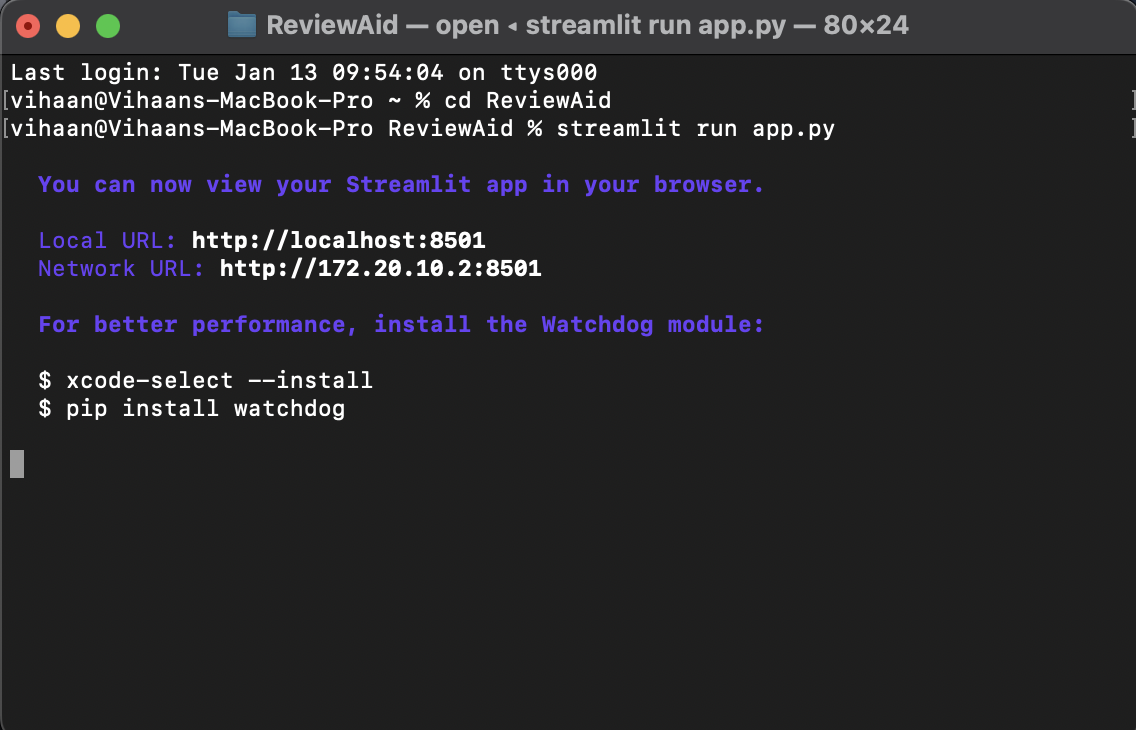
streamlit run app.py -
Configure Ai model along with API key inside the UI
- Select AI model as the provider
- Enter your API Key
🖥️ Running ReviewAid Locally with Ollama (No API Key Required)
ReviewAid supports local inference using Ollama, allowing you to run the application without any external API keys. This is ideal for users who prefer offline usage, enhanced privacy, or full local control.
Prerequisites
Ensure the following are installed on your system:
- Python 3.12+
- Ollama (installed and running locally)
- Download: https://ollama.com
- At least one supported Ollama model (e.g.,
llama3)
Pull a model (example):
ollama pull llama3
Verify Ollama is running:
ollama list
▶️ Running ReviewAid with Ollama
-
Clone the repository
git clone https://github.com/aurumz-rgb/ReviewAid.git
cd ReviewAid -
Create and activate a virtual environment (recommended)
python -m venv venv
source venv/bin/activate# macOS / Linux
venv\Scripts\activate# Windows -
Install dependencies
pip install -r requirements.txt -
Start the Streamlit application
streamlit run app.py -
Configure Ollama inside the UI
- Select Ollama (Local) as the provider
- Choose a local model (e.g.,
llama3) - No API key is required
Privacy Advantage
When using Ollama:
- All inference runs entirely on your local machine
- No data is sent to external servers
- No API keys are required or stored
This makes Ollama the most privacy-preserving configuration supported by ReviewAid.
⚠️ Notes
- Performance depends on your local hardware (CPU/GPU/RAM)
- Large PDFs or batch sizes may take longer on CPU-only systems
- For best results, ensure Ollama is running before launching Streamlit